AI image generators have revolutionized digital creativity by allowing users to create high-quality artwork, illustrations, product mockups, logos, and marketing visuals from simple text prompts. Whether you’re a designer, content creator, marketer, entrepreneur, or hobbyist, these tools can help you produce professional-quality images in minutes.
Modern AI image generators support multiple artistic styles, image editing, background removal, inpainting, and high-resolution outputs, making them valuable for both personal and professional use.
In this guide, we’ll review the best AI image generators in 2026, compare their features, pricing, strengths, and limitations, and help you choose the right tool for your creative projects.
Why Use an AI Image Generator?
AI image generators can help you:
- Create artwork from text prompts
- Design social media graphics
- Generate marketing images
- Produce blog illustrations
- Create logos and icons
- Design book covers
- Generate concept art
- Edit and enhance existing images
These tools save time, reduce design costs, and inspire creativity.
1. ChatGPT Image Generation
Best for: Everyday Image Creation
ChatGPT allows users to generate and edit images using natural language prompts. It can create illustrations, diagrams, marketing visuals, logos, concept art, and realistic images while also assisting with prompt refinement.
Key Features
- Text-to-image generation
- Image editing
- Style customization
- Background replacement
- High-quality image generation
- Natural language prompting
Pros
- Easy to use
- Great for beginners
- Supports image editing
- Integrated AI assistant
Cons
- Some advanced capabilities depend on your subscription plan
Best For: Bloggers, marketers, educators, students, and creators.
2. Midjourney
Best for: Artistic Images
Midjourney is famous for producing highly detailed digital artwork, fantasy illustrations, and cinematic visuals.
Features
- Artistic rendering
- High-resolution images
- Style references
- Multiple aspect ratios
- Prompt refinement
Pros
- Exceptional image quality
- Beautiful artistic styles
- Excellent community support
Cons
- Learning curve for new users
- Subscription required
3. Adobe Firefly
Best for: Professional Designers
Adobe Firefly integrates seamlessly with Photoshop, Illustrator, and Adobe Express, making it ideal for creative professionals.
Features
- Text-to-image generation
- Generative Fill
- Text effects
- Image expansion
- Commercial-friendly outputs
Pros
- Professional editing tools
- Strong Adobe integration
- High-quality results
Cons
- Best experience requires Adobe Creative Cloud
4. Google Imagen
Best for: Realistic Images
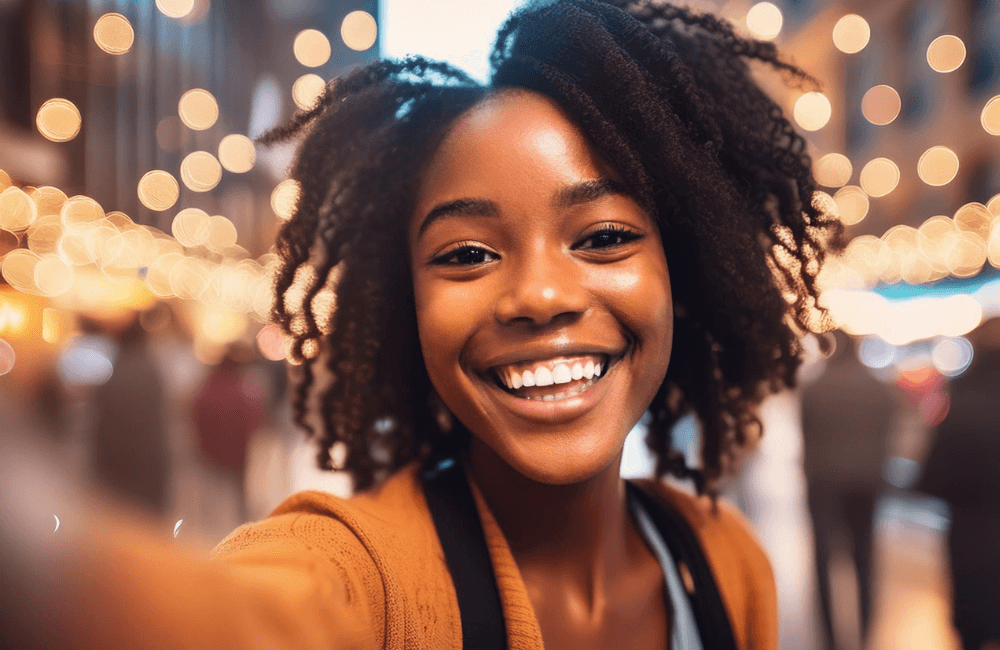
Google Imagen is known for generating highly realistic images with impressive prompt understanding.
Features
- Photorealistic images
- Text rendering
- Image editing
- Prompt enhancement
- High-resolution outputs
Pros
- Excellent realism
- Strong language understanding
- Fast generation
Cons
- Availability varies by region and platform
5. Microsoft Designer
Best for: Social Media Graphics
Microsoft Designer combines AI image generation with design templates for creating professional marketing materials.
Features
- AI image creation
- Poster design
- Social media templates
- Invitation maker
- Background removal
Pros
- Easy for beginners
- Great templates
- Microsoft ecosystem integration
Cons
- Some premium features require a subscription
6. Canva AI
Best for: Content Creators
Canva AI makes it simple to generate images, presentations, posters, logos, and social media graphics.
Features
- AI image generation
- Magic Design
- Background remover
- Brand kits
- Templates
Pros
- Beginner-friendly
- Excellent collaboration
- Large template library
Cons
- Advanced AI tools require Canva Pro
7. Leonardo AI
Best for: Game Assets & Concept Art
Leonardo AI is popular among game developers, designers, and artists for creating concept art and digital assets.
Features
- Character generation
- Game assets
- Texture creation
- Fine-tuned models
- AI canvas editing
Pros
- Excellent detail
- Fast generation
- Flexible styles
Cons
- Daily free usage limits
8. Ideogram
Best for: AI Images with Text
Ideogram stands out for its ability to generate images containing readable and attractive text, making it useful for posters, logos, and advertisements.
Features
- Text rendering
- Logo creation
- Posters
- Social media graphics
- Creative typography
Pros
- Excellent text generation
- User-friendly interface
- High-quality graphics
Cons
- Some advanced features require payment
9. Stable Diffusion
Best for: Open-Source AI Image Generation
Stable Diffusion is an open-source AI model that allows advanced users to generate and customize images locally or through supported services.
Features
- Open-source models
- Custom checkpoints
- Image editing
- Inpainting
- Outpainting
- Local installation support
Pros
- Highly customizable
- Large community
- No vendor lock-in
Cons
- Requires technical knowledge for advanced use
10. Recraft
Best for: Logos, Icons & Vector Graphics
Recraft specializes in generating vector graphics, icons, branding assets, and illustrations suitable for businesses and designers.
Features
- Vector image generation
- Logo creation
- Icon design
- Brand assets
- Editable graphics
Pros
- Excellent vector quality
- Great for branding
- Easy editing
Cons
- Fewer artistic styles than some competitors
Comparison Table
| Tool | Best For | Free Version | Platforms |
|---|---|---|---|
| ChatGPT Image Generation | Everyday AI Images | Yes | Web, Windows, macOS, Android, iOS |
| Midjourney | Artistic Images | No | Web |
| Adobe Firefly | Professional Design | Yes | Web |
| Google Imagen | Realistic Images | Limited | Web |
| Microsoft Designer | Social Media Graphics | Yes | Web |
| Canva AI | Marketing & Design | Yes | Web, Android, iOS |
| Leonardo AI | Game Art | Yes | Web |
| Ideogram | Images with Text | Yes | Web |
| Stable Diffusion | Open-Source AI | Yes | Web, Desktop |
| Recraft | Logos & Vectors | Yes | Web |
How to Choose the Best AI Image Generator
Selecting the right AI image generator depends on your goals.
For Beginners
ChatGPT Image Generation, Canva AI, and Microsoft Designer are simple to use and require little design experience.
For Professional Designers
Adobe Firefly and Recraft provide advanced editing capabilities and high-quality commercial outputs.
For Artistic Creations
Midjourney and Leonardo AI are excellent choices for digital art, fantasy scenes, and concept illustrations.
For Realistic Images
Google Imagen produces highly realistic results with excellent prompt understanding.
For Developers and Advanced Users
Stable Diffusion offers unmatched flexibility through its open-source ecosystem.
Tips for Creating Better AI Images
To get the best results:
- Write clear and detailed prompts.
- Specify the desired style (realistic, watercolor, 3D, cartoon, etc.).
- Mention lighting, colors, and composition.
- Use image editing tools to refine the output.
- Experiment with different prompts and aspect ratios.
- Respect copyright and licensing rules when using generated images commercially.
- Always review AI-generated visuals before publishing.
Frequently Asked Questions
What is the best AI image generator?
ChatGPT Image Generation is an excellent all-around choice for creating and editing images through natural language. Midjourney is known for artistic visuals, while Adobe Firefly is ideal for professional design workflows.
Are AI image generators free?
Many AI image generators offer free plans with daily limits or credits. Premium subscriptions typically provide faster generation, higher-quality outputs, and additional editing features.
Which AI image generator is best for logos?
Recraft, Ideogram, and Canva AI are popular options for creating logos, icons, and branding materials.
Can AI-generated images be used commercially?
Many platforms allow commercial use under their licensing terms, but the rules vary by provider. Always review the licensing agreement before using AI-generated images for business or client projects.
Do AI image generators require design skills?
No. Most modern AI image generators are designed for beginners. Writing clear prompts is usually enough to create impressive images, although learning prompt-writing techniques can improve results.
Final Thoughts
AI image generators have made professional-quality design accessible to everyone. ChatGPT Image Generation is an excellent all-around solution for creating and editing images with natural language, while Midjourney excels at artistic creations. Adobe Firefly is a strong choice for professional designers, Google Imagen delivers realistic visuals, and Canva AI simplifies graphic design for everyday users. For branding, Recraft and Ideogram are particularly useful, while Stable Diffusion offers unmatched flexibility for advanced users.
The best AI image generator depends on your goals, budget, and workflow. Whether you’re designing marketing materials, creating blog illustrations, producing digital art, or building a brand, these AI tools can help you work faster and unlock new creative possibilities.